Find private details
before you share
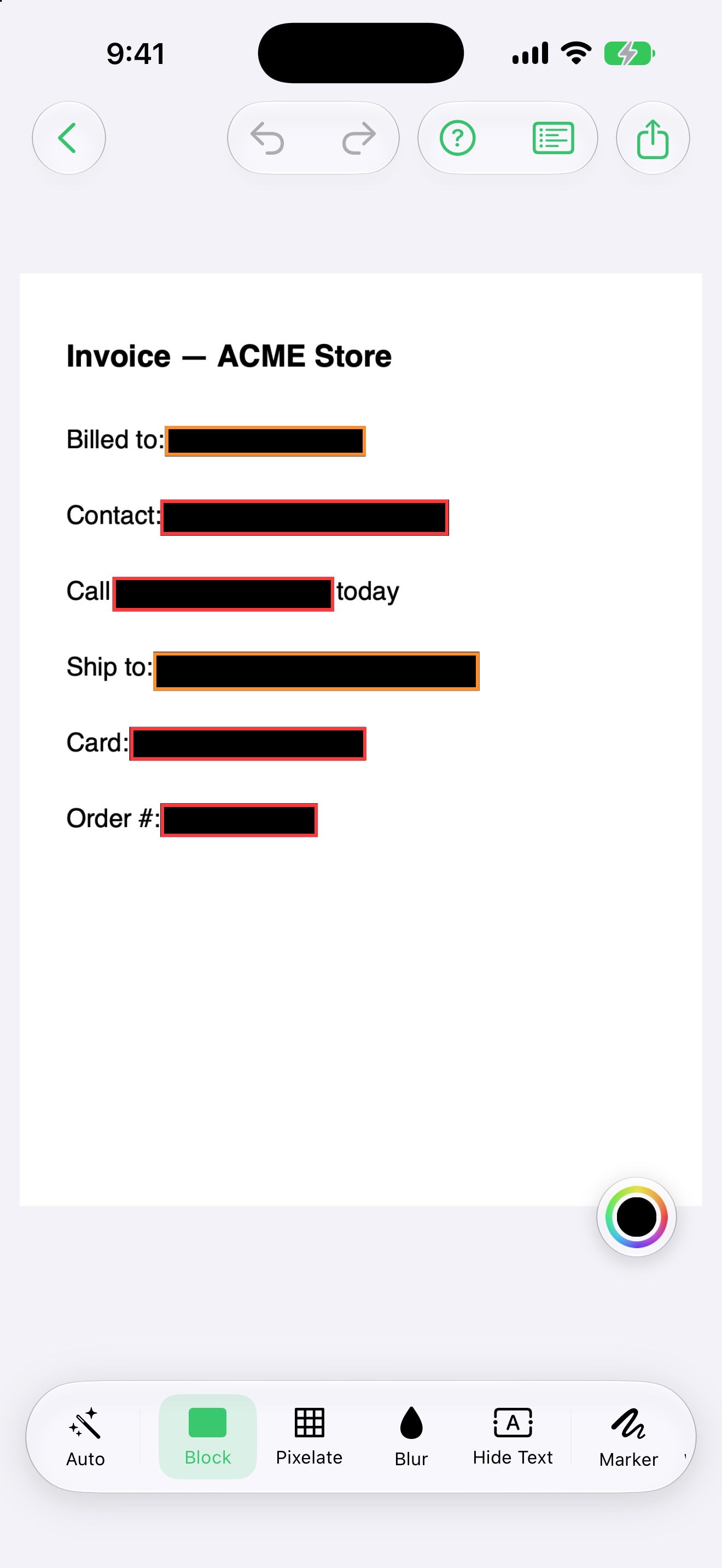
A screenshot holds more than you think — a phone number, a card, an address, a face in the background. PrivyMark finds them and covers them in one tap, entirely on your iPhone.
Hover the block to peek — that's the idea.

iOS 17.6+ · Free forever, no account, no watermark
Private by architecture, not by promise
PrivyMark has no servers, no accounts and no analytics. There is nothing to leak, because nothing leaves.
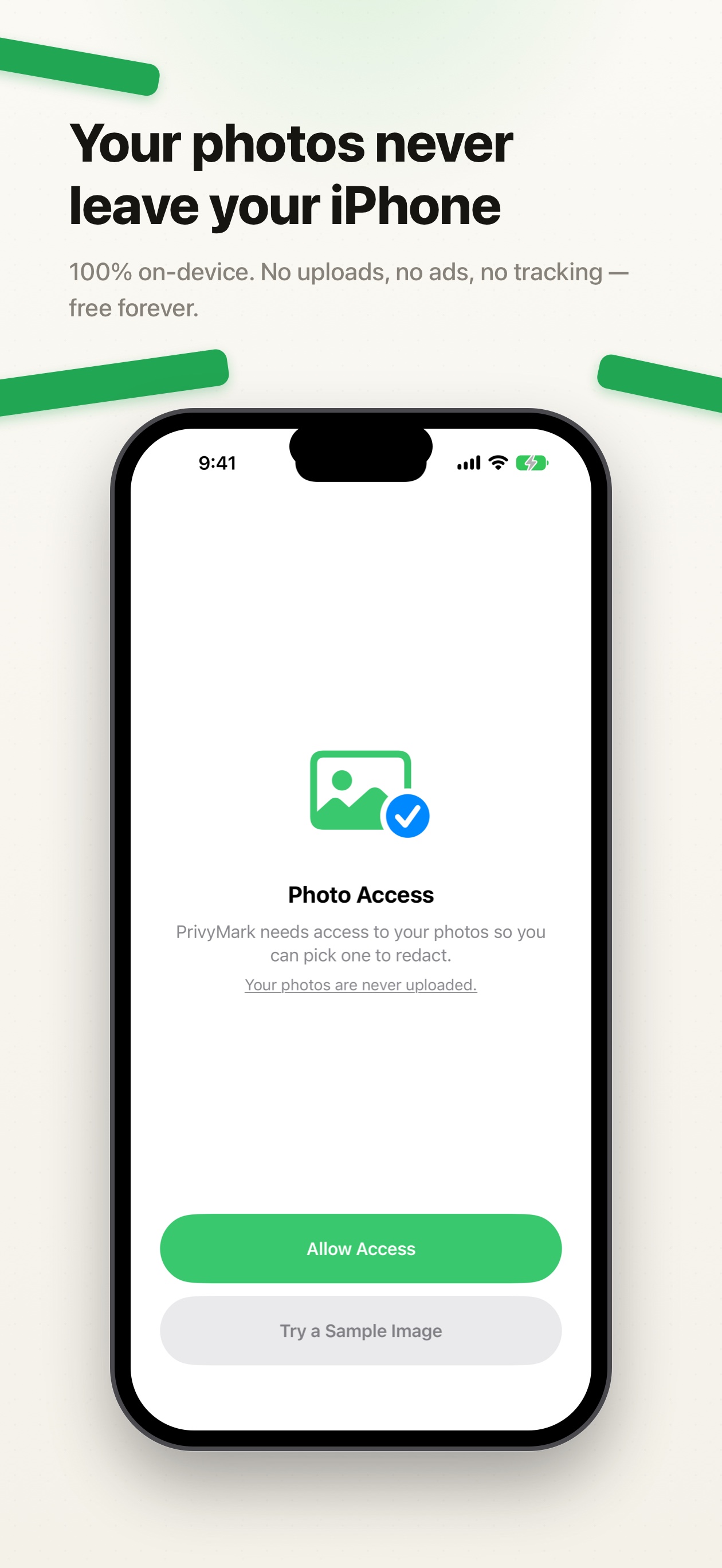
Photos never leave
Scanning, covering and exporting all run on your device. Turn on Airplane Mode and everything still works.
Nothing is collected
No analytics, no ads SDK, no tracking, no crash logs with your content. The privacy label stays minimal because there's nothing to declare.
Nothing is kept
No history, no copies of your photos. Images handed over from the share sheet are deleted the moment they're read.
One tap from risky to ready
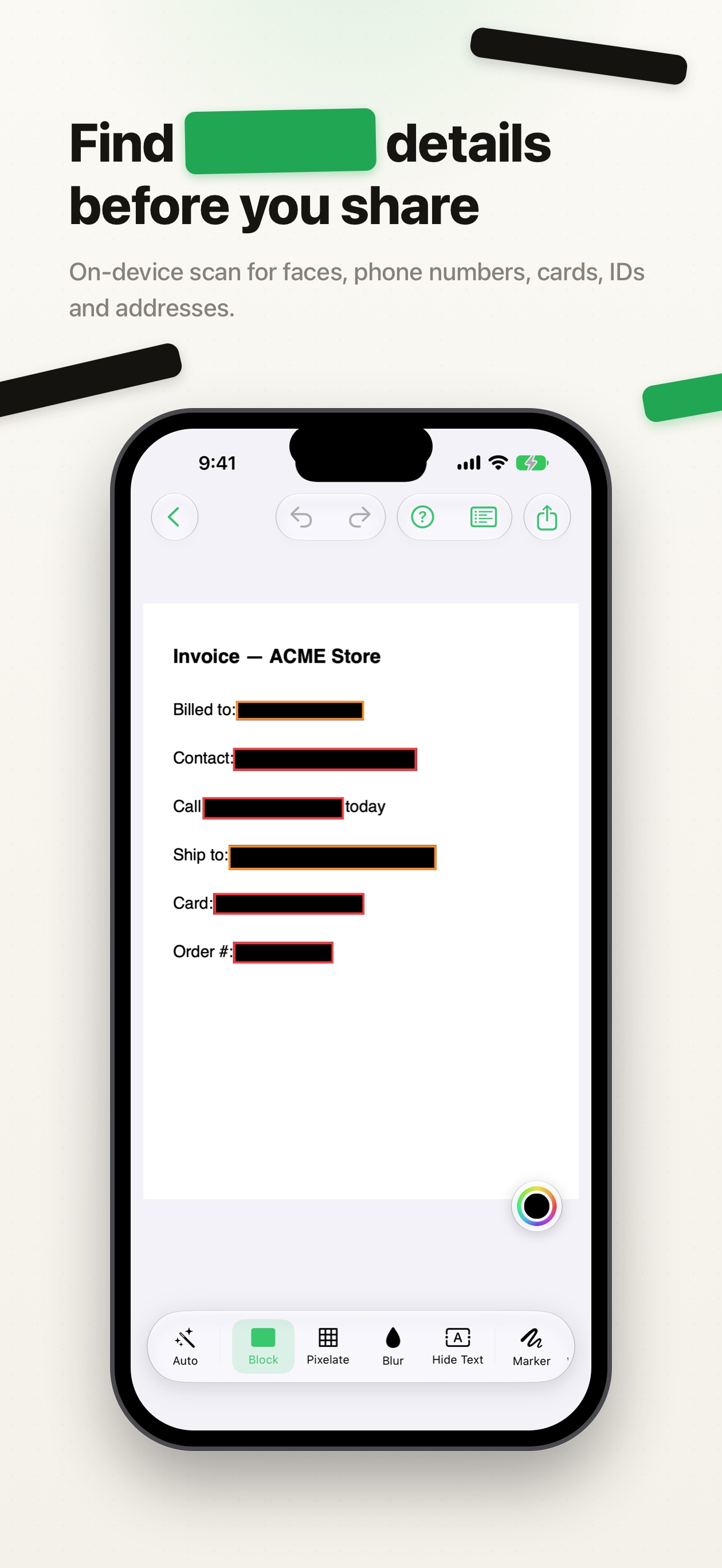
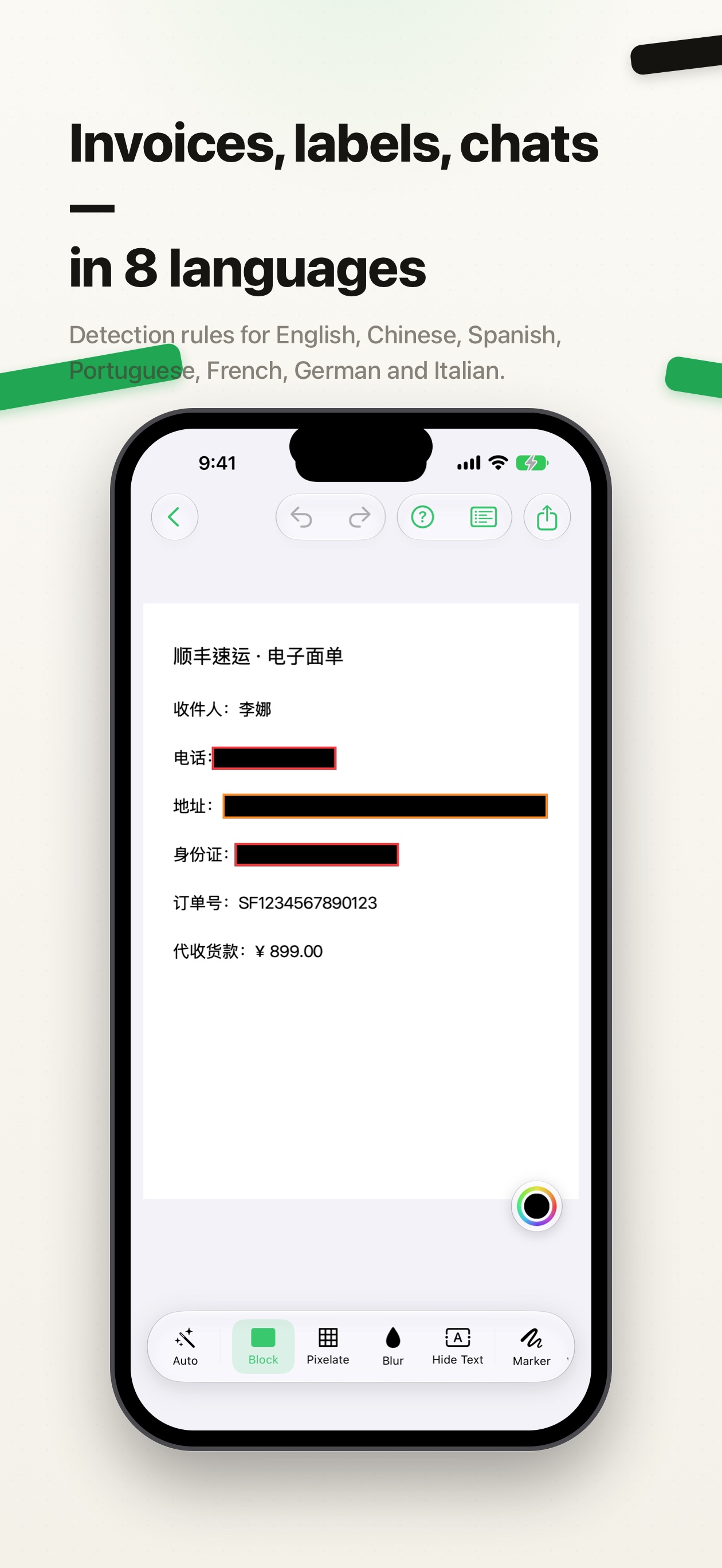
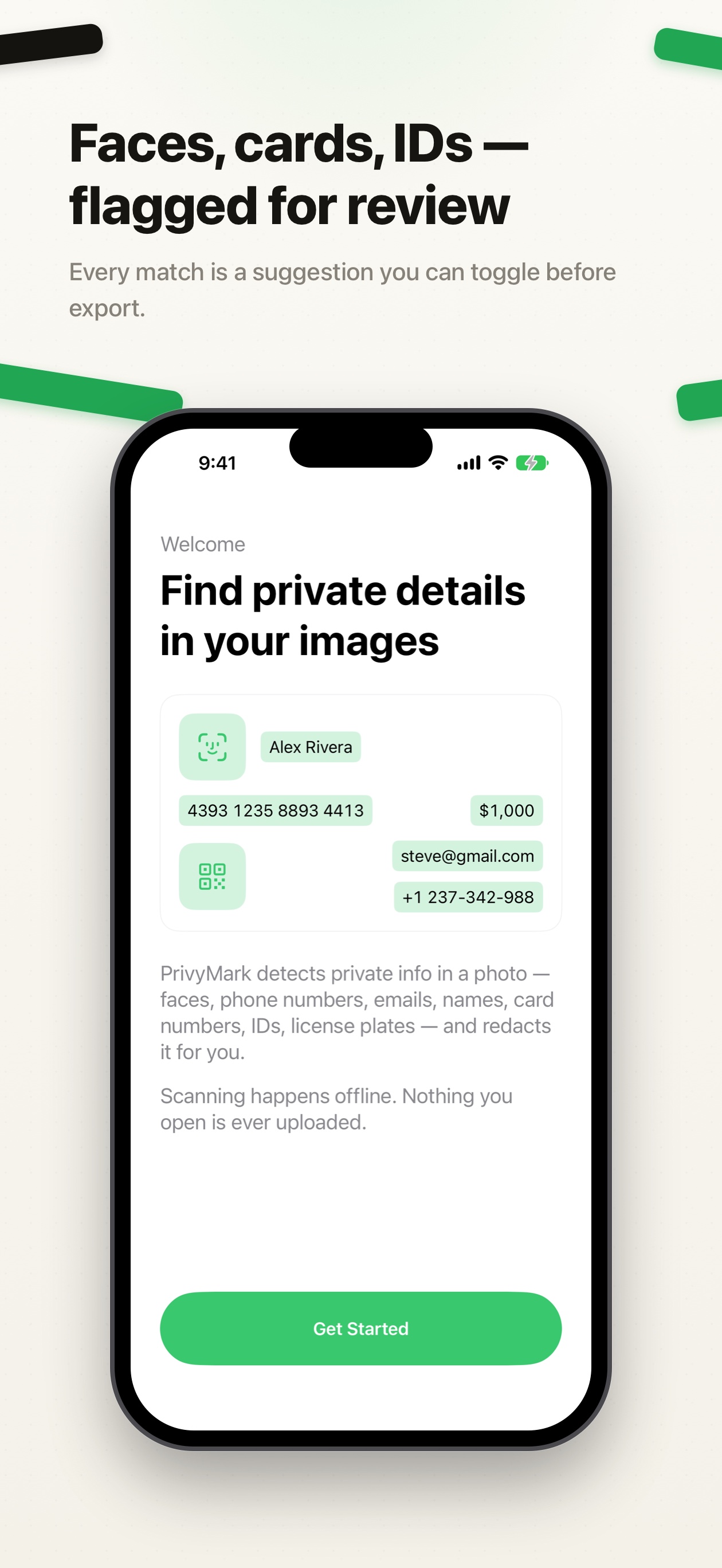
The same shots we ship to the App Store — swipe through the story: black bars are risks, green means covered.
Made for the moment before you hit send
From detection to cover styles to metadata, everything serves one flow: share safely.
Scans what matters
Faces, QR codes, emails, phone numbers, URLs, addresses, card-style numbers, ID numbers, order numbers and names.
Covers, your way
Solid block (irreversible, the default for text), pixelate, blur — plus a color well to match your style.
Hide Text
Blends a text region into the surrounding background so it simply disappears in place.
Text Explode
Long-press any line to fan it out into word chips — cover exactly the words that matter.
Marker & watermark
Freehand strokes for anything the scan missed, and a tiled custom watermark for photos you hand out.
Faces get emoji
Detected faces are covered with an emoji — tap to swap it, drag to reposition. Baked into pixels on export.
Metadata cleaned
See what's inside the file — GPS, device, timestamps. GPS is stripped by default; you choose the rest.
Right in the share sheet
Send a photo to PrivyMark from Photos, Messages or any app, cover it, and share back out.